Step 4: Update Device’s Trusted Certificate Store
This step describes how to update the device's Trusted Certificate Store.
| ➢ | To update device’s trusted certificate store: |
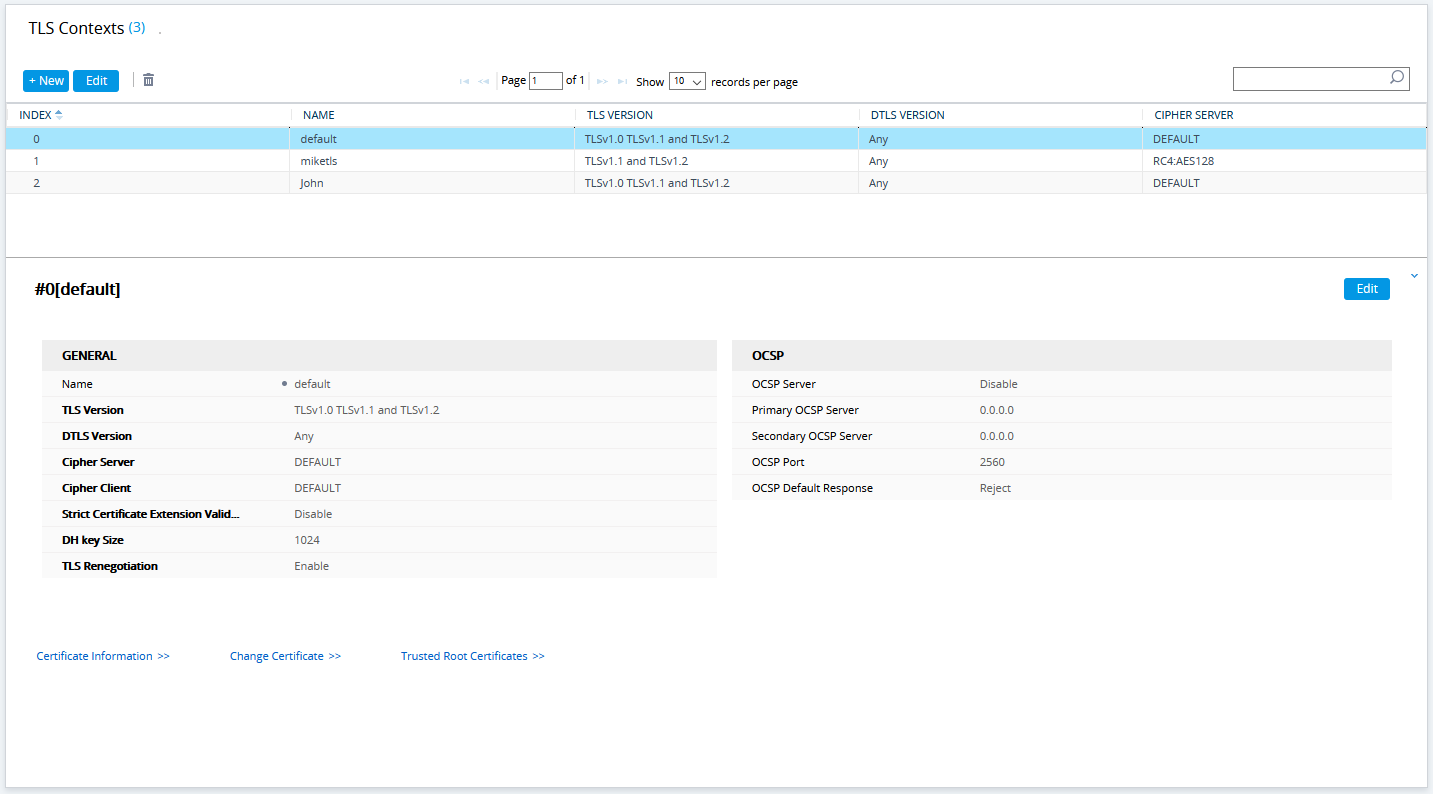
| 1. | Open the TLS Contexts page (Configuration tab > System menu > TLS Contexts). |
| 2. | In the table, select the TLS Context #0, and then click the Trusted Root Certificates button, located below the table; the Trusted Certificates page appears. |
Trusted Root Certificates
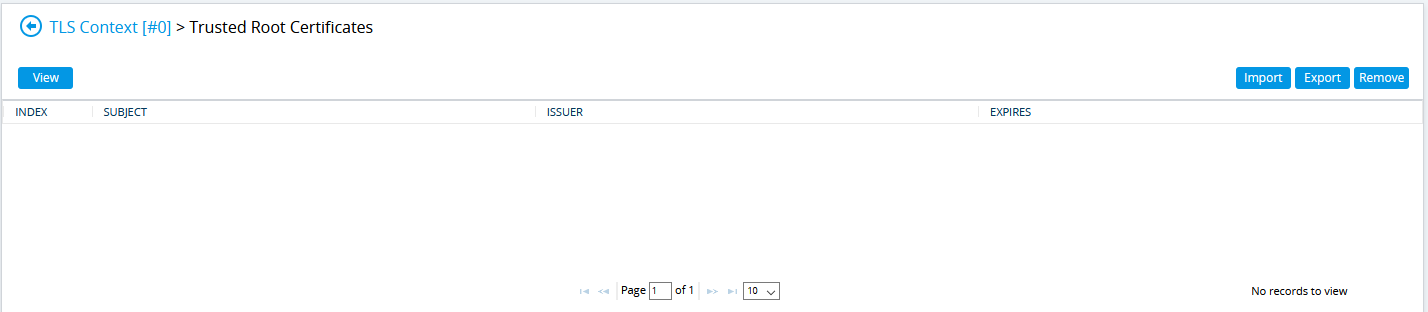
| 3. | Click the Import button, and then browse to the root.crt file. Click OK to import the root certificate. |
Importing Certificate into Trusted Certificates Store
| 4. | If you received intermediary CA certificates – ca1.crt, ca2.crt, etc. – import them in a similar way. |